Symptom Surveys
Introduction
The surveys will provide
The following surveys are included:
- Audio/navigation/bluetooth/telematics
- Automatic transmission (non-CVT)
- Drivability
- Heating and air conditioning
- Pulling and steering off center
- Squeak & rattle
The
The
Online Scheduler: Completing a Symptom Survey
The
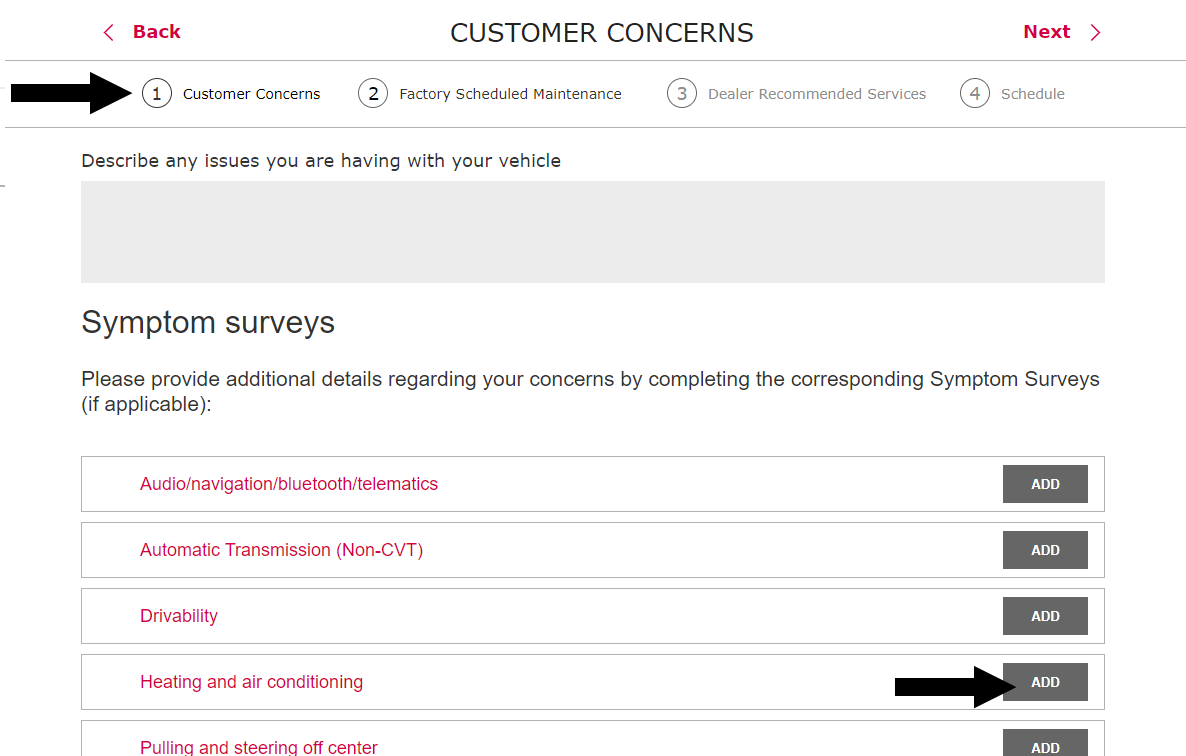
To complete a survey, they click "Add" beside the appropriate template at the bottom of the Customer Concerns screen. The survey appears as in the following example and can be saved, canceled or printed.
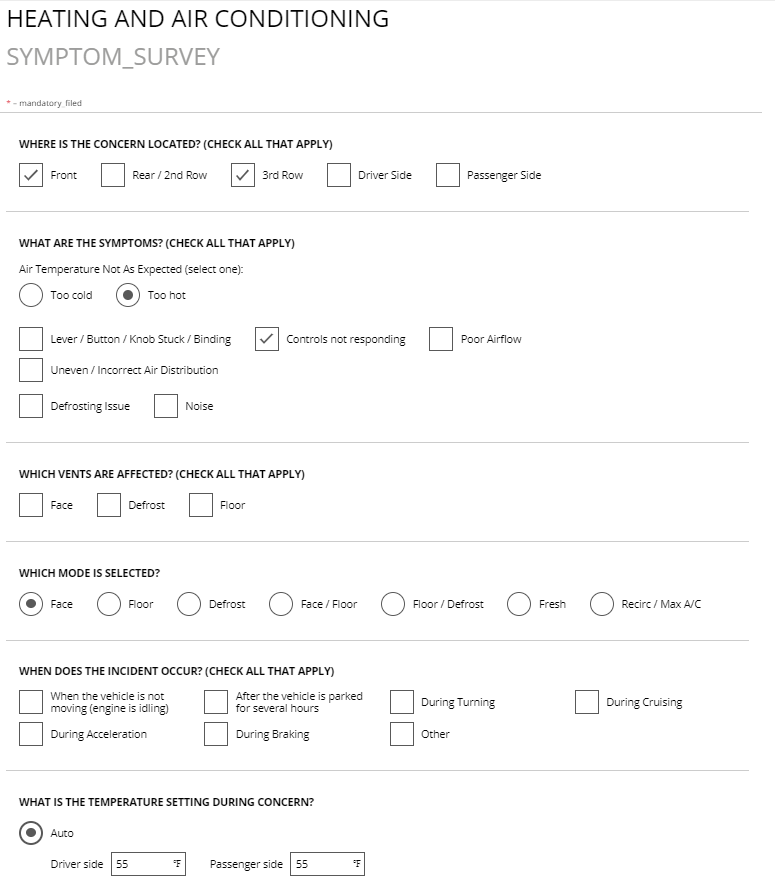
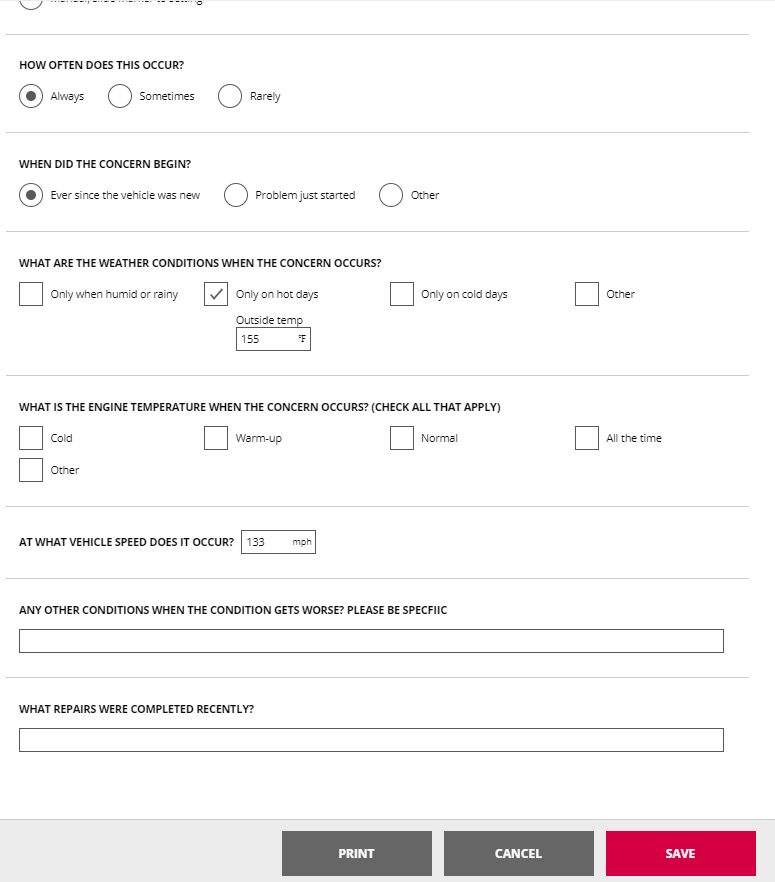
Note: The
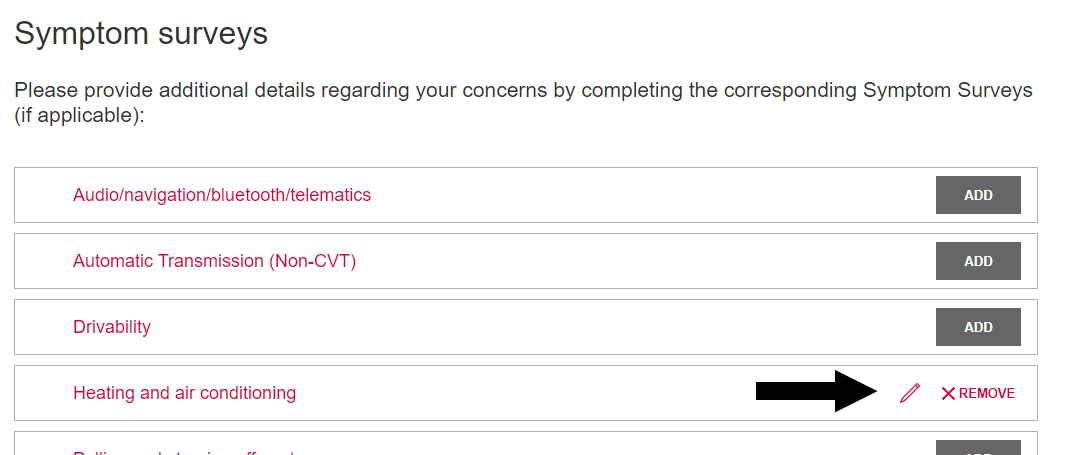
After completing (saving) the survey, the
Completed surveys are included with the appointment summary for final review.
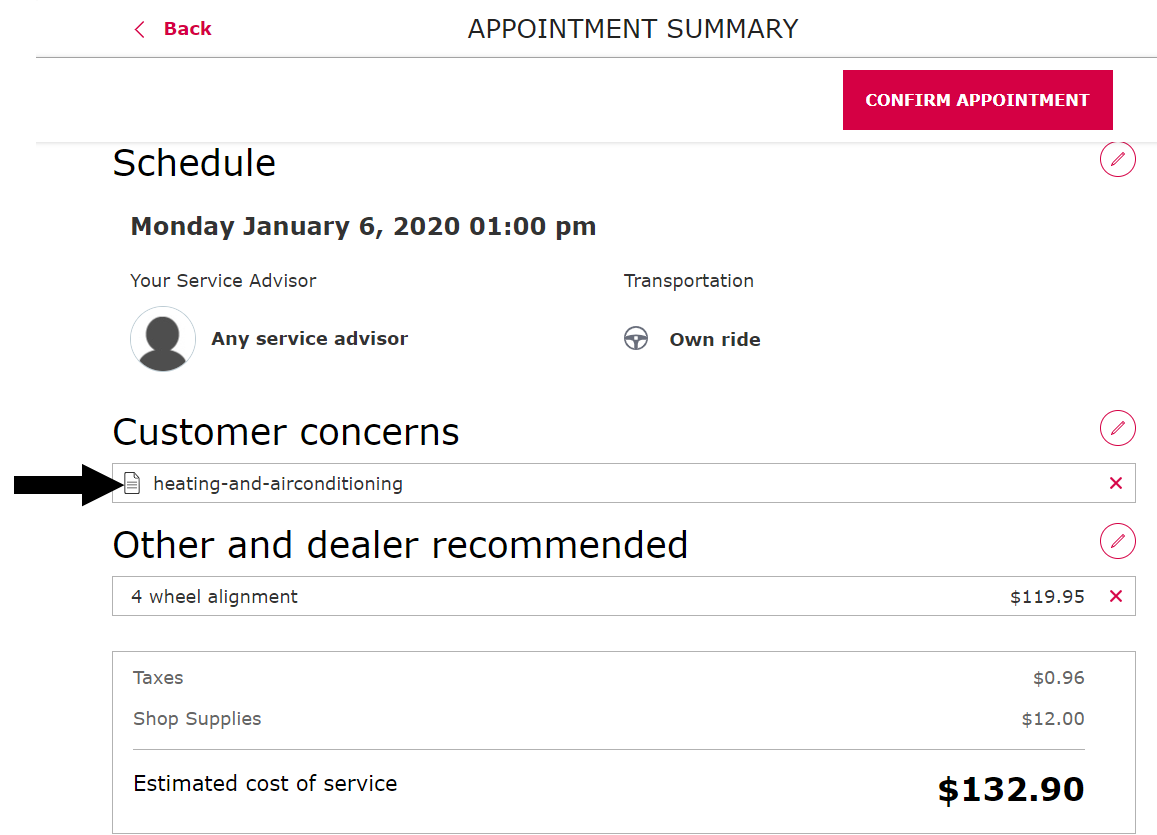
To make survey updates before confirming the appointment, the  beside an individual survey or
  to return to the Customer Concerns screen.
Advisor Check-In: Completing/reviewing surveys
Survey templates are shown on the Concerns tab of Advisor Check-In.
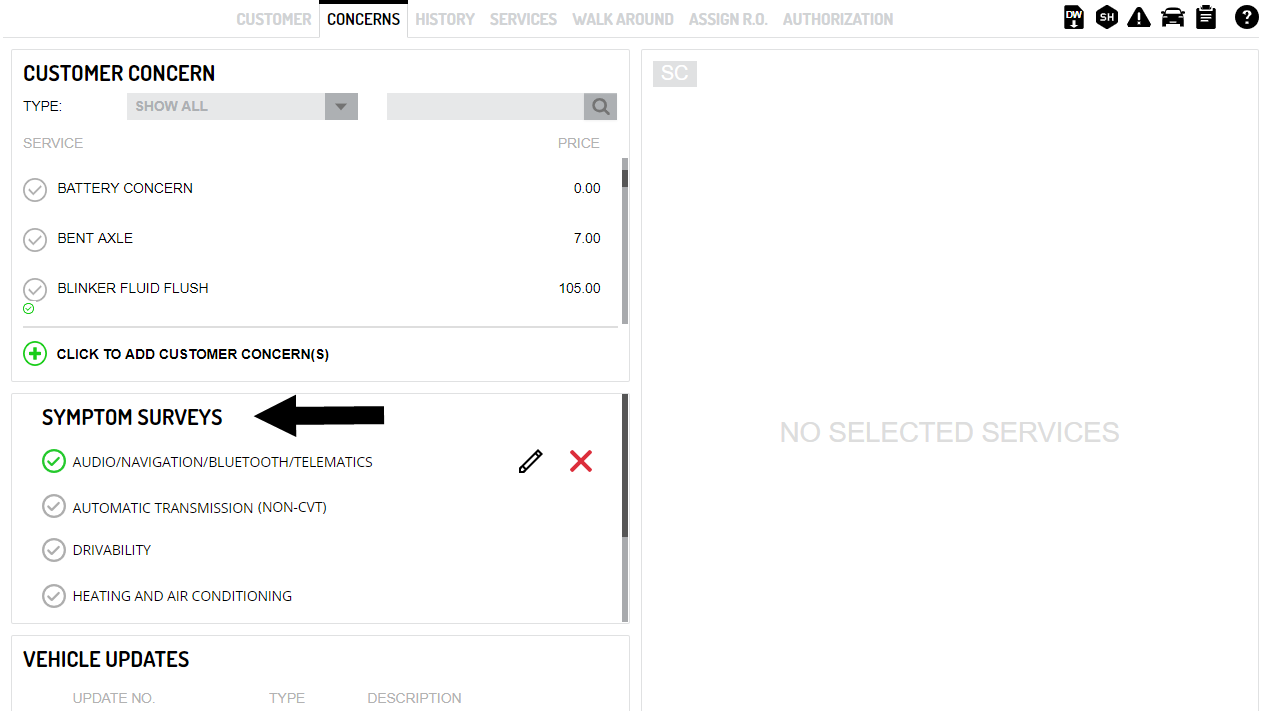
 indicates a survey completed by either the
- To open the survey to review and/or update it, click
 .
. - To delete the survey from the write-up, click
 (or click the checkmark ). A deletion confirmation appears.
 indicates an uncompleted (or deleted) survey.
- Click the line to open and complete the survey.
- The
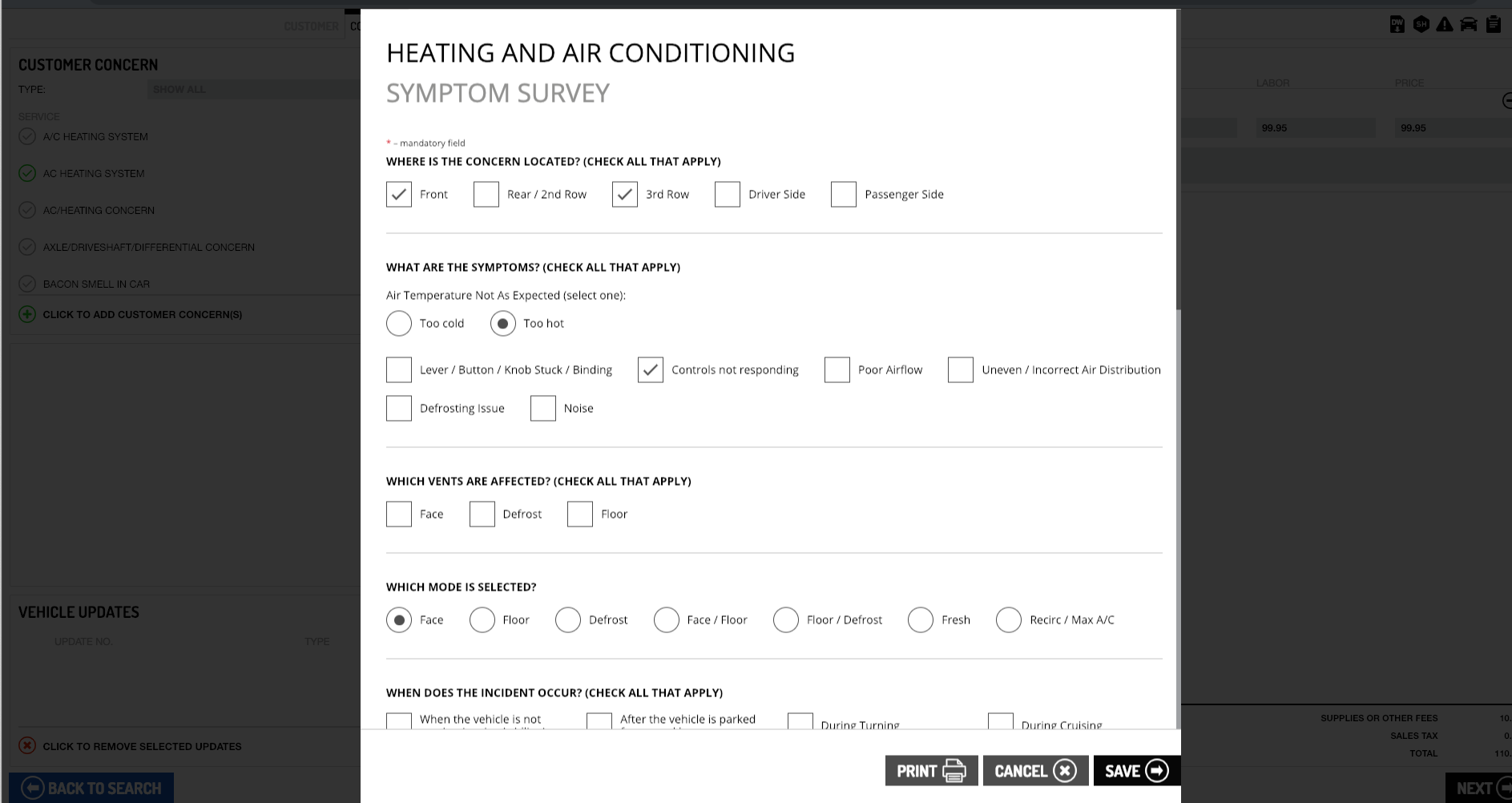
At the bottom of the window, the survey can be printed, canceled or saved. If saved, the window is closed and the survey appears as completed ( ).
Note: If a survey is completed and the
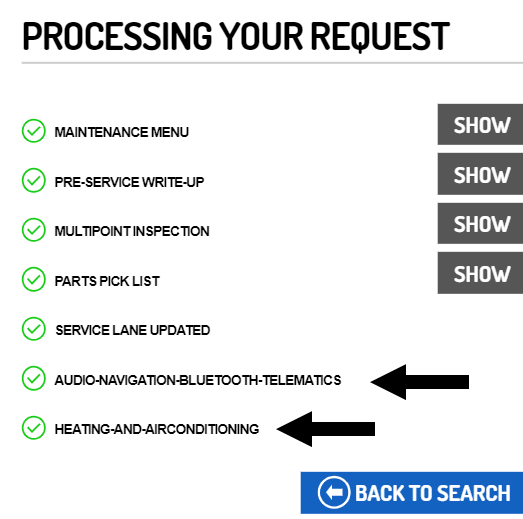
When the write-up is finished, any completed symptom surveys are listed in the confirmation pop-up window.
Technician Inspection: reviewing/Updating surveys
In Technician Inspection, any completed surveys are listed on the Inspection tab.
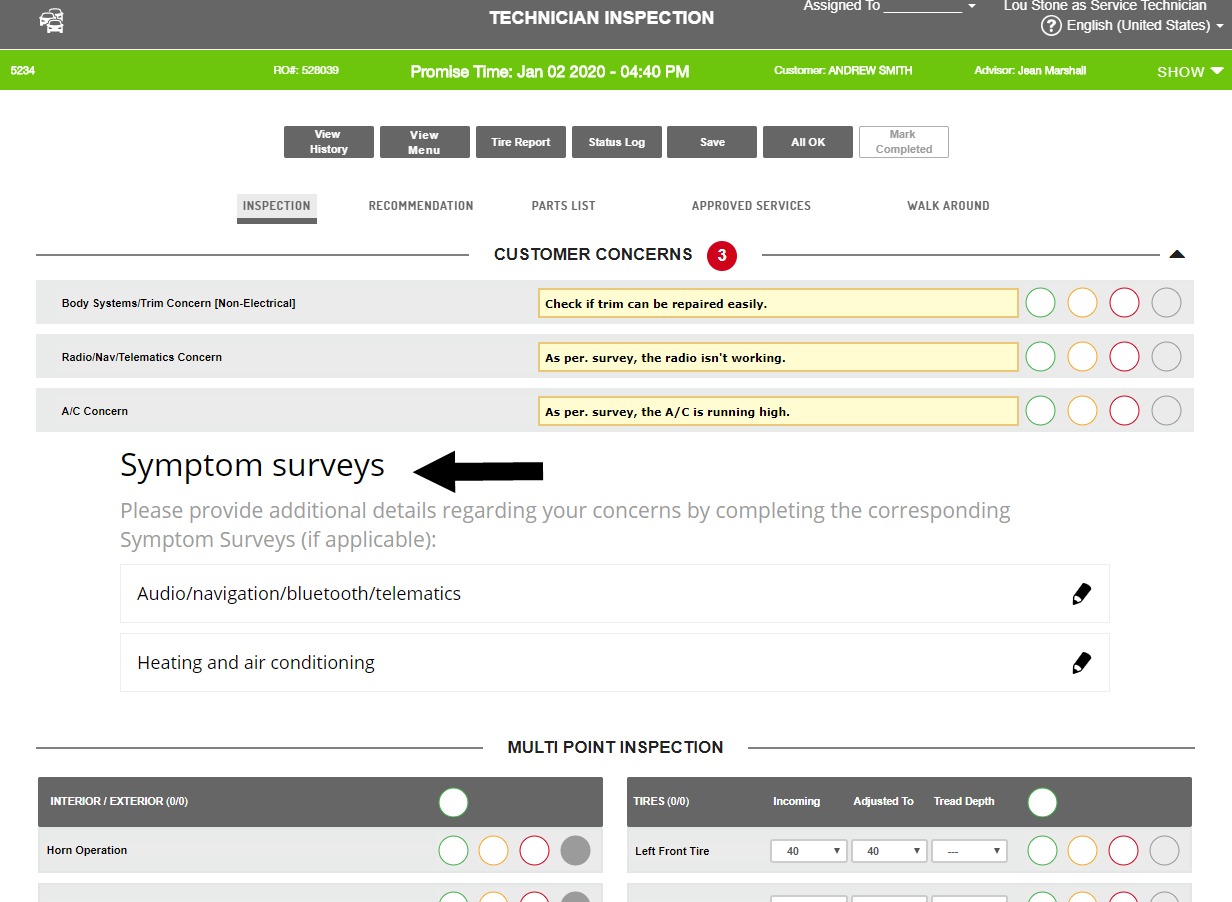
The technician clicks  beside a survey to open and review the details.
The
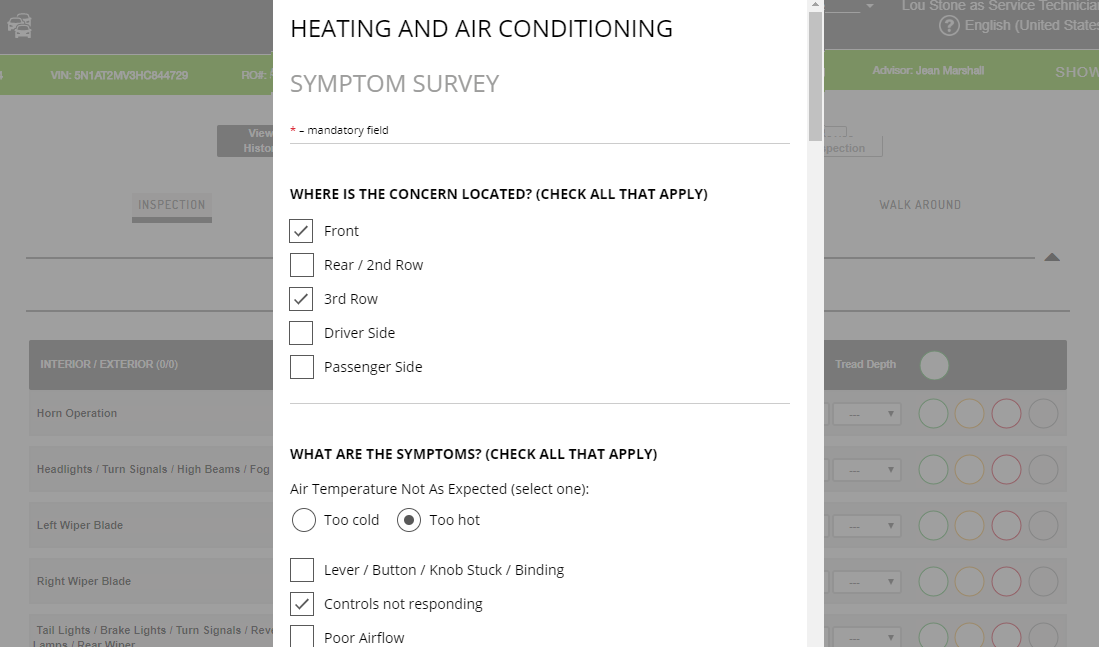
At the bottom of the window, the survey can be printed, canceled or saved.
Enabling the surveys
Note: Symptom surveys have been pre-enabled for each application.
Online Scheduler
OS surveys can be enabled or disabled by the Dealer Administrator in OMM Admin:
- Go to OMM Admin > Admin > Online Appointment Scheduling
- Enable Symptom Surveys in OS - default is set to 'Yes'.
Advisor Check-In and Technician Inspection:
AC and TI surveys are enabled/disabled by an MTI Admin.
Future functionality
Additional functionality will be available with future releases:
- The completed symptom survey PDFs will be available to the full service team via Service Dashboard.
- A data extract of the survey results will be available to support OEM and